Generate Configuration Files
When the Device Manager retrieves the latest firmware file version from the Azure Blob, a new configuration file with the firmware file's URL is generated in the background. When you perform 'Generate Configuration', the following configuration files are generated:
|
■
|
Mac cfg files for AudioCodes devices |
|
■
|
XML files for Polycom devices |
|
➢
|
To generate a configuration: |
|
1.
|
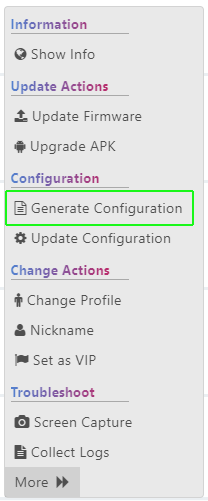
In the Device Status page, select the check boxes adjacent to the devices that you wish to generate a configuration and then click the Selected Rows Actions
displayed. For a single device, click the Actions drop-down, and then choose Generate Configuration. |
|
2.
|
Click Generate Configuration. You are prompted to generate configuration file for the selected devices. A summary of the devices is displayed. |
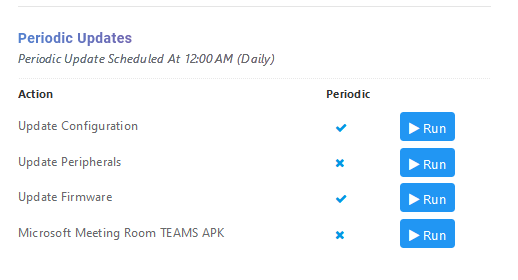
The following confirmation screen is displayed.
